

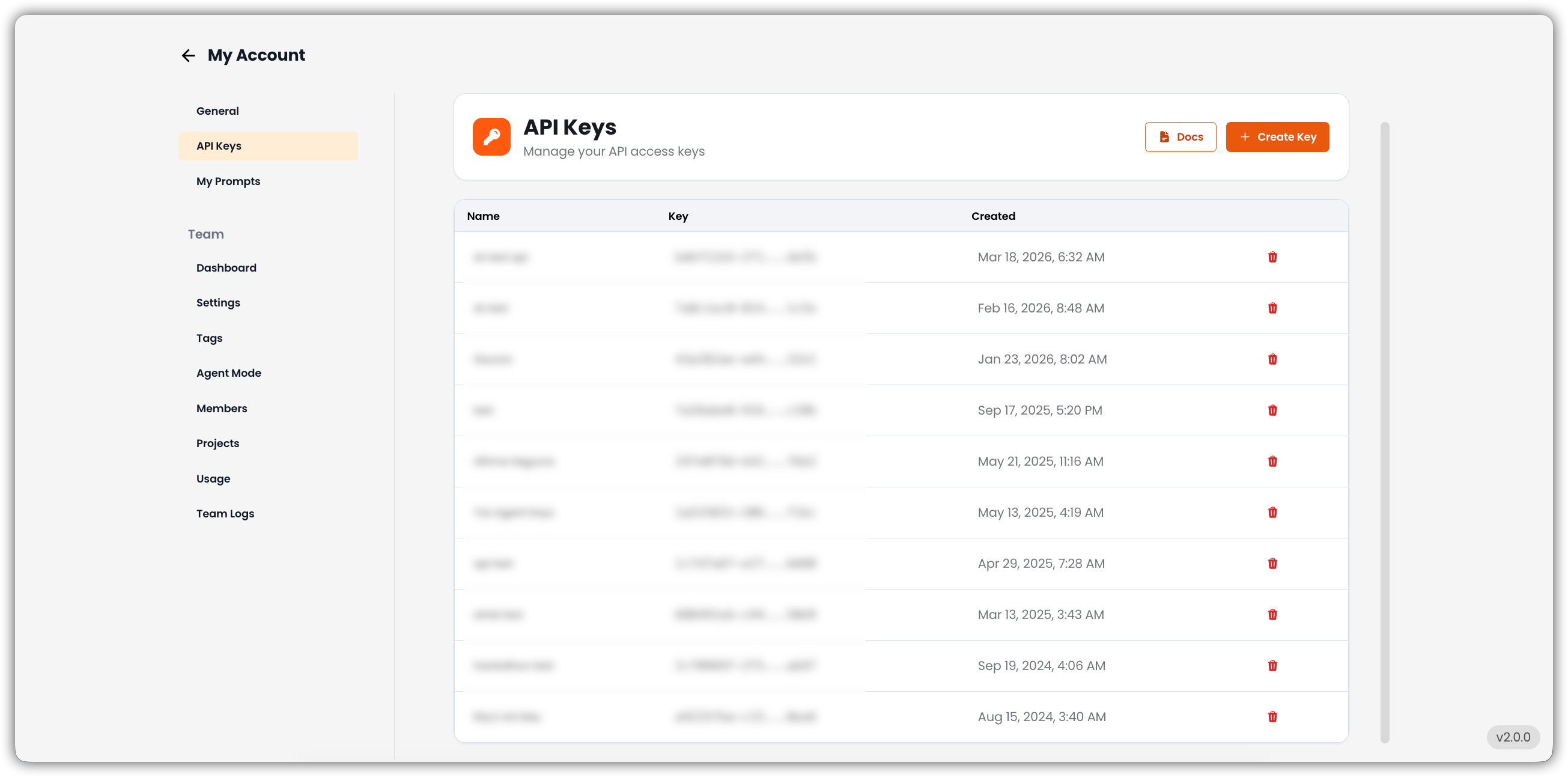
API Key List
Each entry in the list includes:If no API keys have been created yet, this section is empty.
Create New Key
The Create Key button in the top-right corner generates a new API key.- Provide a name for the key.
- Save the generated key securely — it may not be shown again in full.
- Use the key to connect EKB with other applications or services.
View Documentation
The Docs button opens detailed API documentation, including:- Setup instructions
- Example requests
- Best practices for securely using API keys