

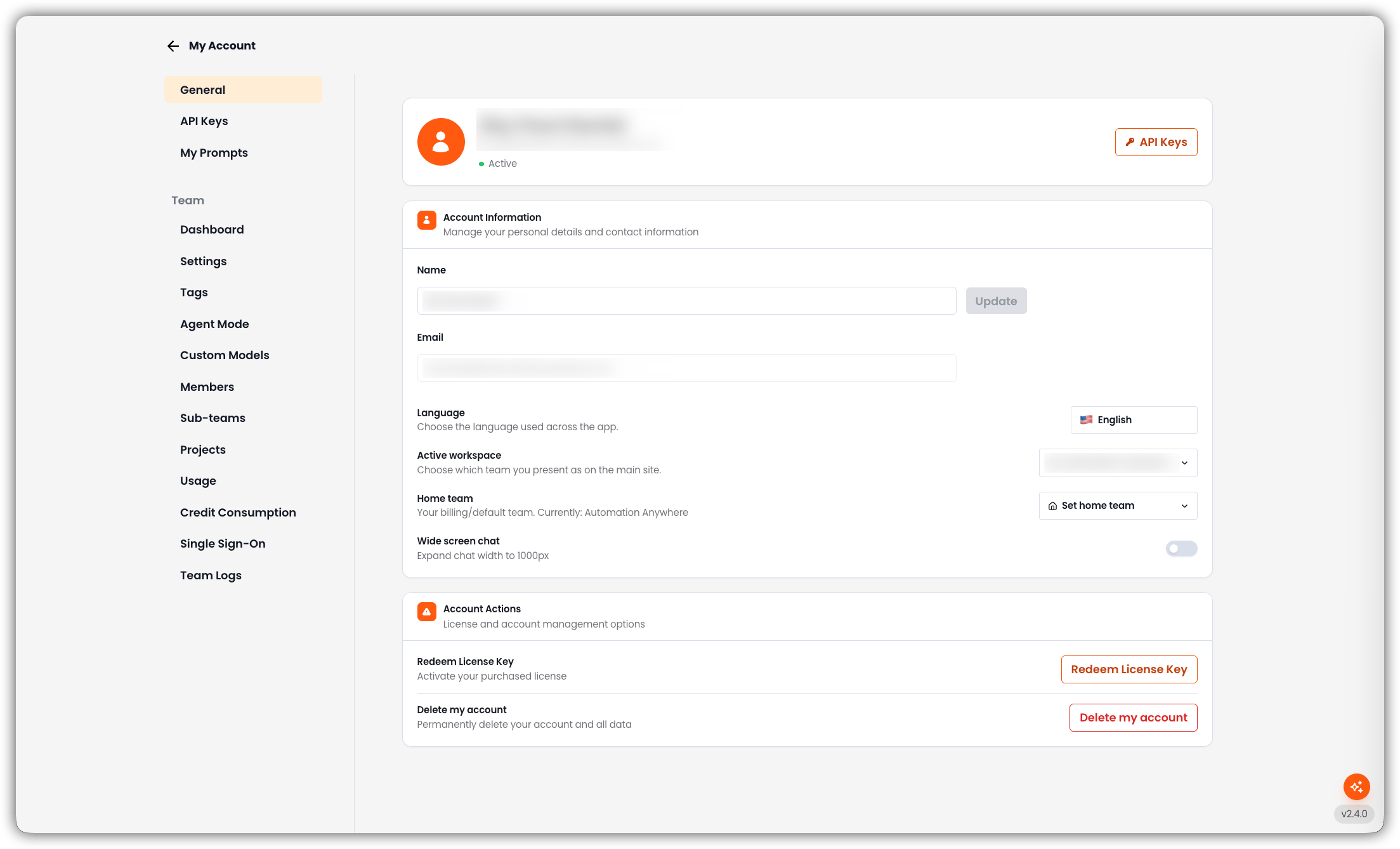
Profile Header
At the top of the page you see:- Your name and email
- Status (for example, Active)
- API Keys — shortcut to API Keys
Account Information
Manage your personal details and contact information.- Name Your display name. Edit it and click Update to save.
- Email The registered email address. This field is read-only.
- Language Language used across the app. Options are English, Japanese, and Korean.
- Active workspace Which team you present as on the main site. Shown when you belong to more than one team and you are not on a team subdomain. Switching reloads the app into that team.
- Home team Your billing/default team. Shown when you belong to another non-free team you can switch to. Click Set home team, choose a team, and confirm. If your current home is a free workspace, projects you own move to the new home and the free workspace is removed.
- Wide screen chat Expand chat width to 1000px.
Account Actions
License and account management options.- Redeem License Key Activate a purchased license.
- Delete my account Permanently delete your account and all data. This cannot be undone.