

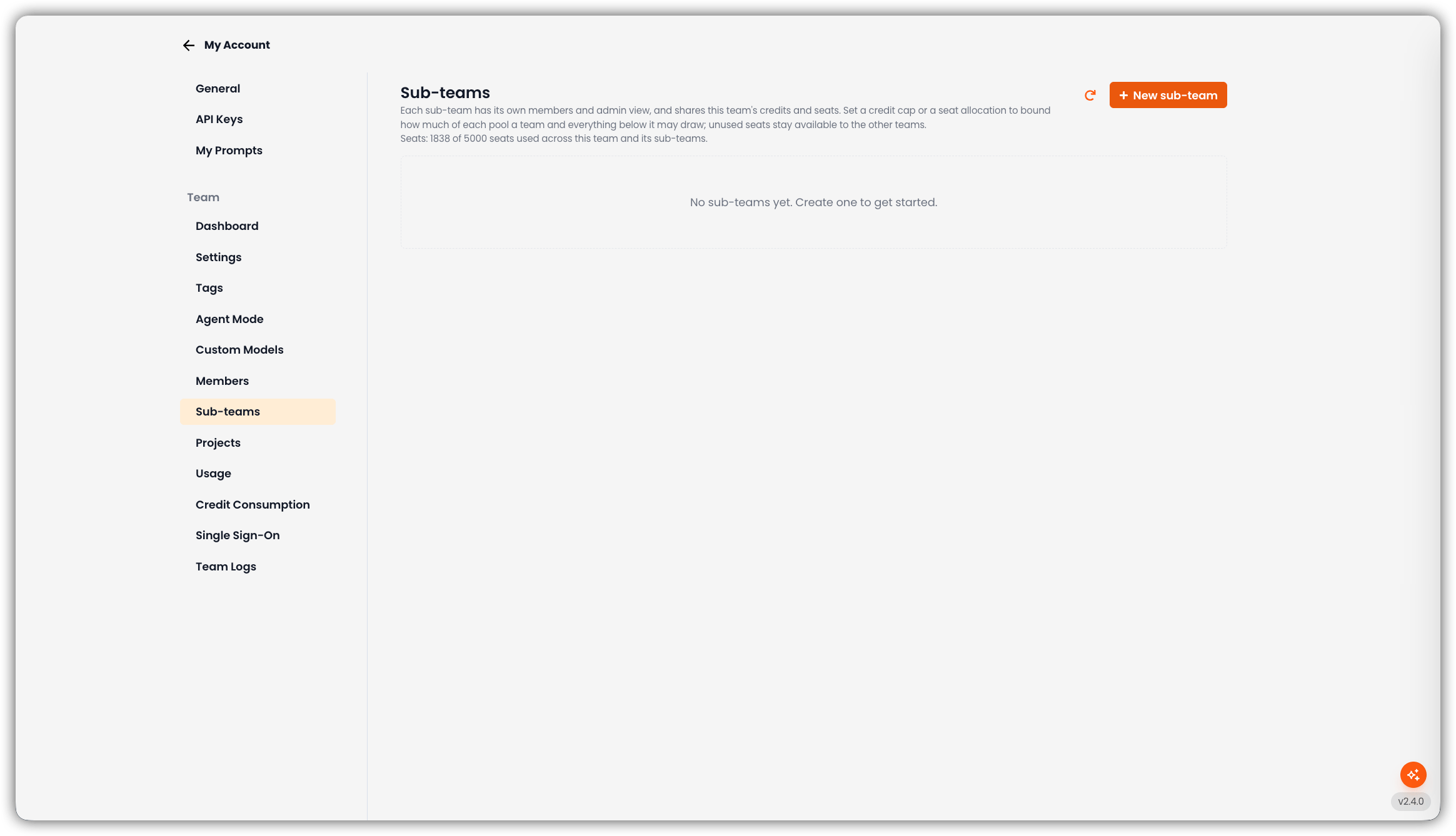
Only team admins can open this tab and create or edit sub-teams.
Empty State
If there are no sub-teams yet, the page shows No sub-teams yet. Create one to get started. and + New sub-team.Add a Sub-Team
1
Click New Sub-Team
The create form opens on the page.
2
Fill in the Fields
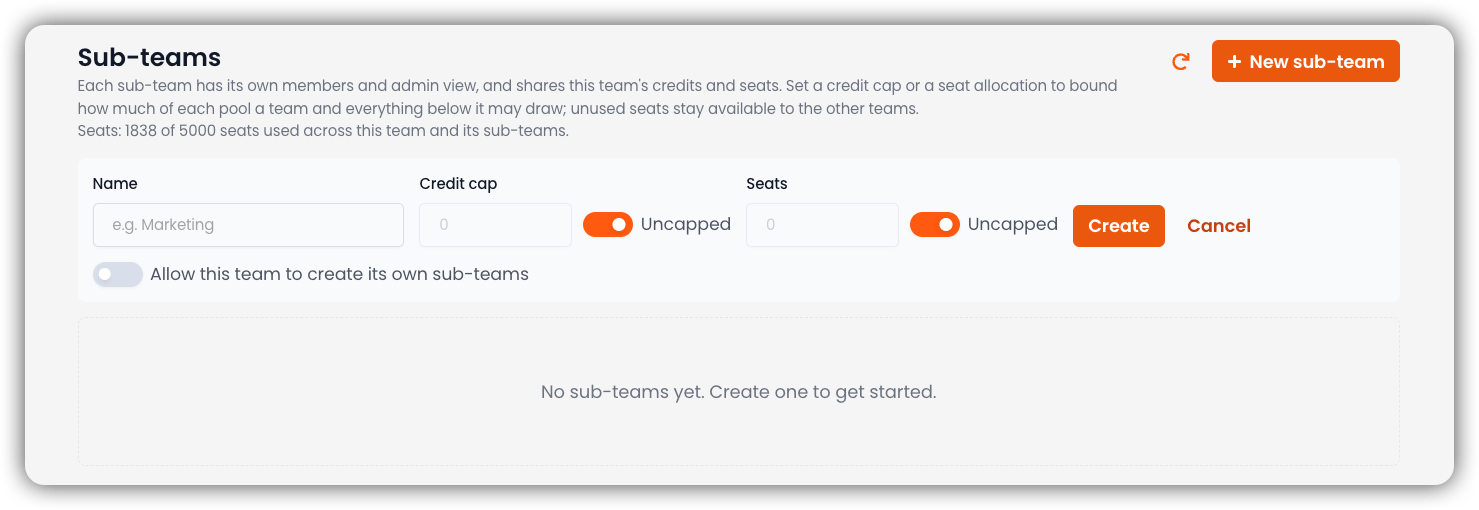
If this parent team has a Team SSO configuration, an extra option appears: Copy this team’s SSO configuration to the new sub-team. The copy is independent (its own ACS URL and Entity ID). Later changes on the parent do not reach it.
3
Create
Click Create. Cancel closes the form without saving.
How the Tree Works
When at least one sub-team exists, the page shows an expandable tree:
Actions on a row typically include adding a child, editing caps, and managing the host/subdomain.
Nesting Depth
Teams can nest up to 5 levels below the top-level (root) team.Who Can Create Deeper Sub-Teams
- The root team can always create children.
- Creating a sub-team under another sub-team requires that parent to have Allow this team to create its own sub-teams enabled (off by default).
Seat Allocation (Shared License Pool)
Seats belong to the license family, not to a single team in isolation.Inviting Members to a Child Team
Child-team invites draw from the parent license pool. If a child has no local seat cap of its own, invites are not blocked — seats come from the shared family pool (subject to ancestor ceilings). If capacity is exhausted, ask a parent-team administrator to raise the seat allocation or free seats.Credit Caps on Sub-Teams
A credit cap on a sub-team is a ceiling on how many credits that team and everything below it may draw from the shared credit pool in the billing period. Like seats, it does not reserve credits — unused headroom remains available to siblings. For project-level ceilings, see Project credit allocation. For the subtree usage dashboard, see Credit Consumption.Optional Host / Subdomain
Sub-teams can be given a dedicated host/subdomain (managed from the Sub-teams UI). That matters for Team SSO, which can offer a default IdP configuration on the team’s subdomain.Who Can Manage Sub-Teams
Admin authority flows down the tree (parent can manage children), not sideways or up.